Shared listening, reimagined
PhasorYour music. All together.
Bring your phones together and experience music in sync. Create a listening room, connect nearby devices, and enjoy music together.
 Coming soon to theApp Store
Free, with no ads and nothing locked away.

Powerful Features
Everything you need to listen together, with nothing to sign up for.
Multi-Device Sync
Every phone in the room plays the same moment of the same song.
Offline Listening
Same Wi-Fi, one phone’s hotspot, or a network Phasor makes. No internet needed.
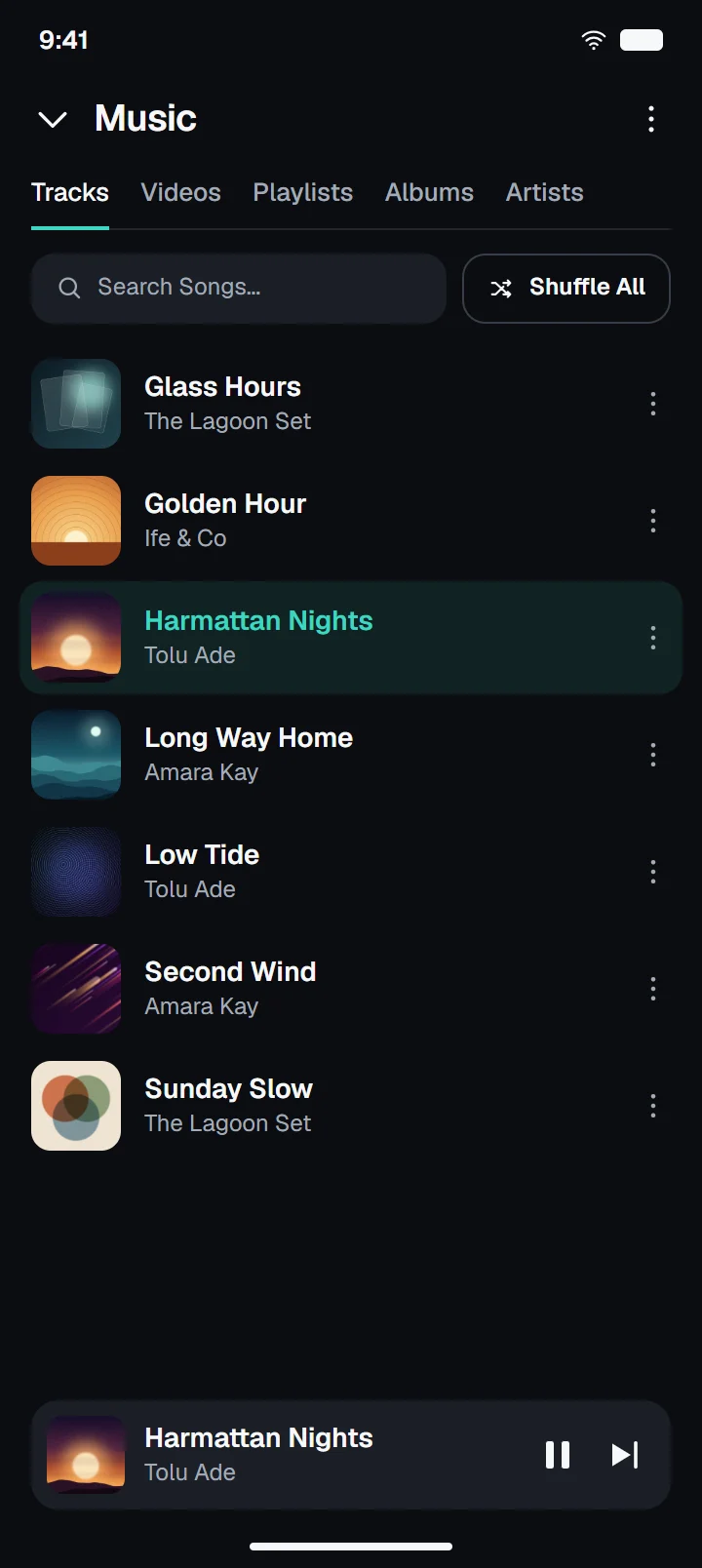
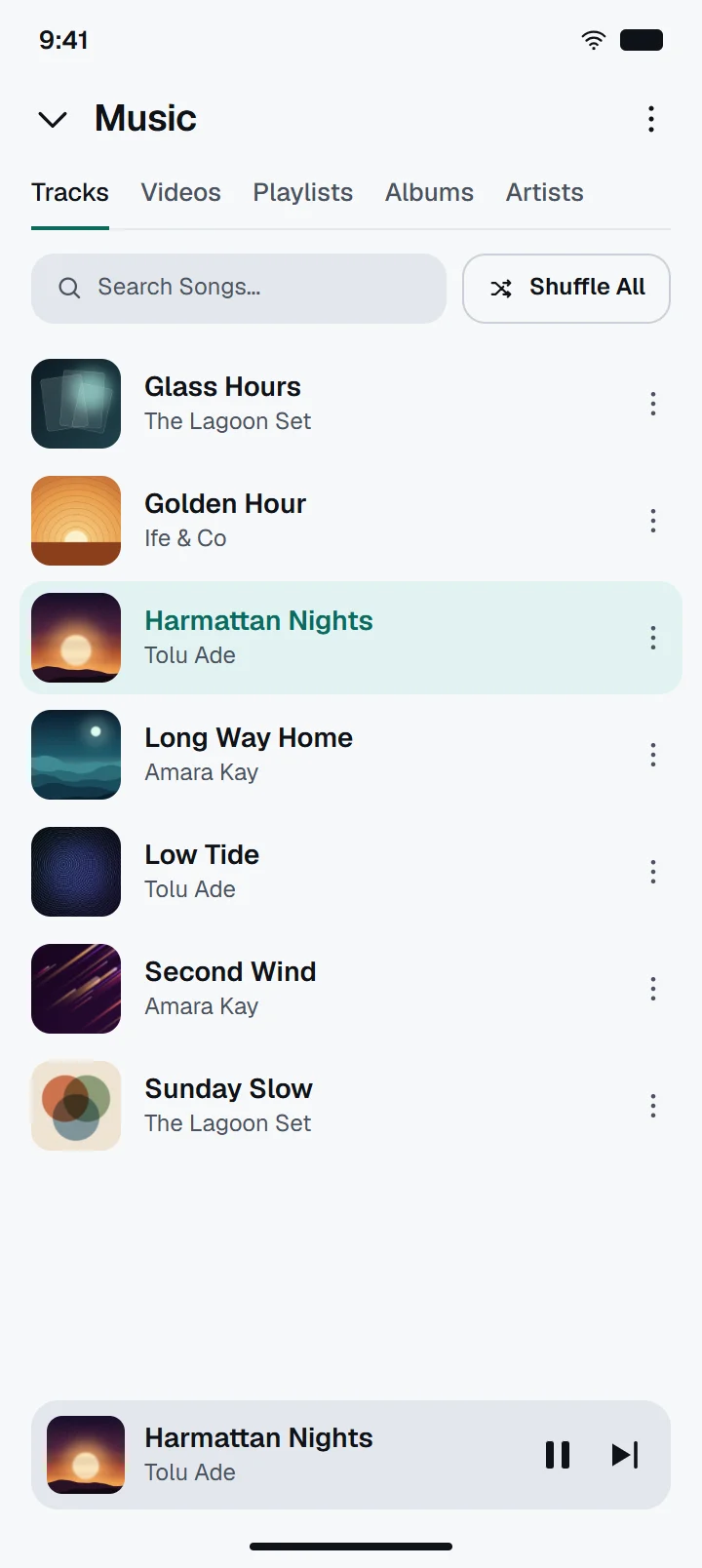
Local Music Library
Your songs, albums, artists and playlists, from your own phone.
Device Audio
Share what another app plays, on Android. Some apps do not allow it.
Private by Design
No accounts, no ads and no tracking. Encrypted between phones.
Privacy policy
More than just a music player
Phasor brings people and music together, with everything a room needs. Open one around whatever you are listening to, at any time.
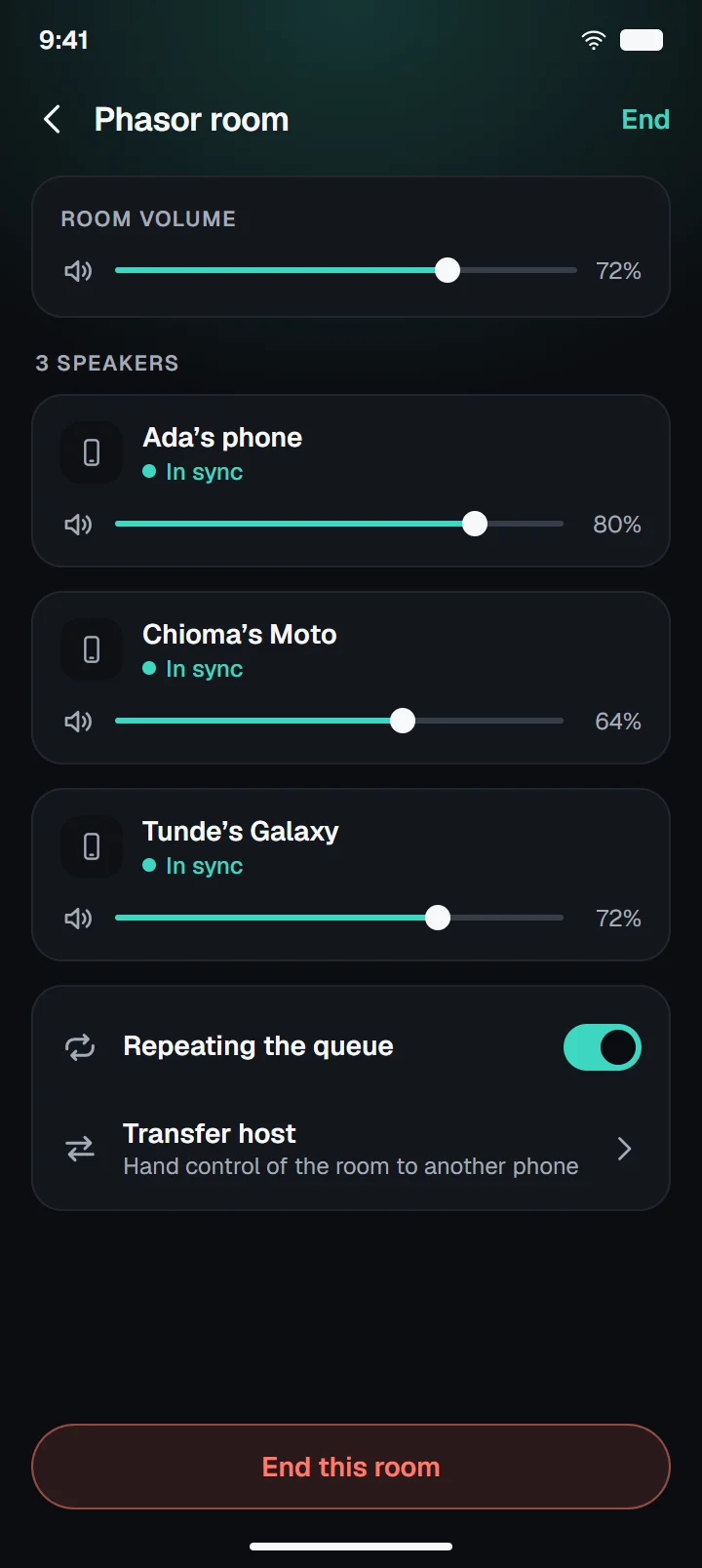
- One phone hosts and the rest receive. The host decides who gets in
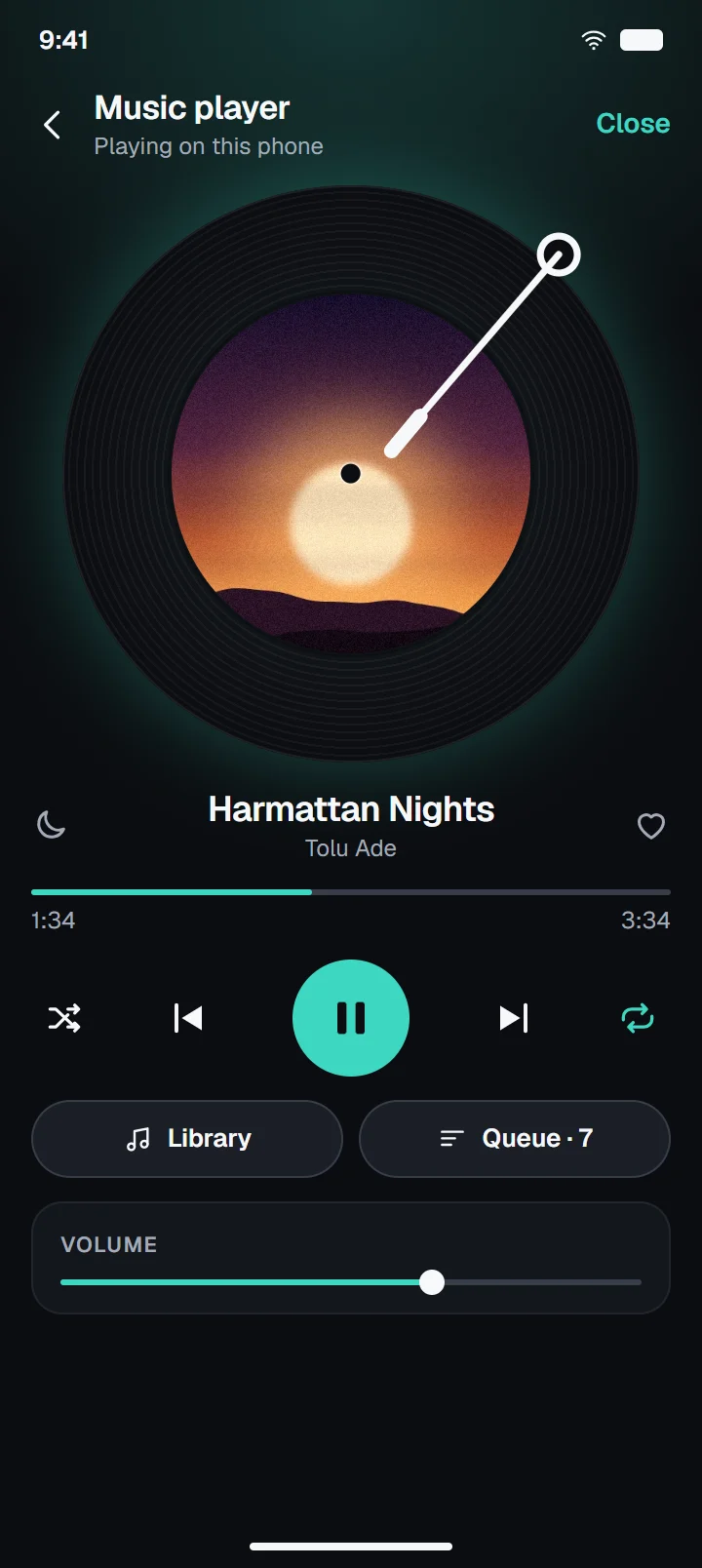
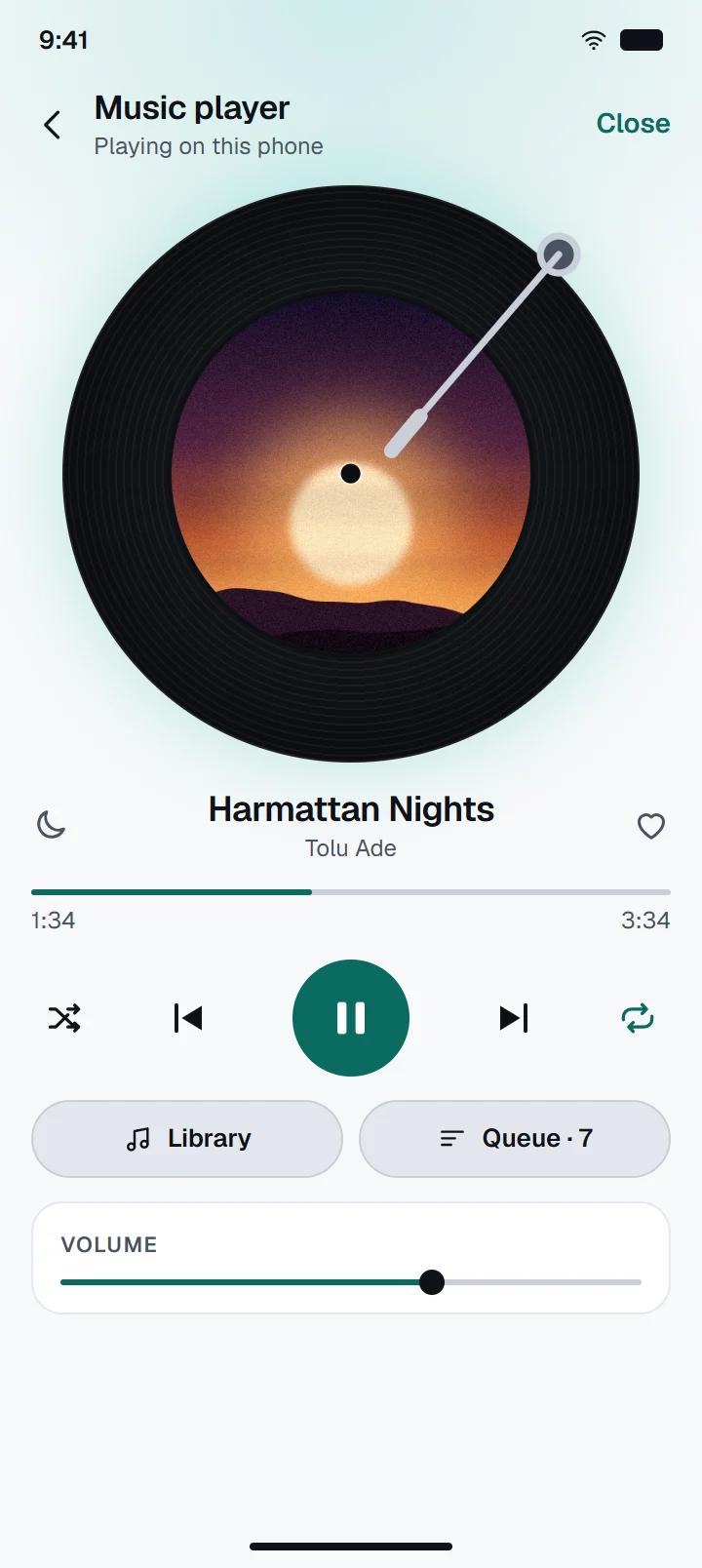
- Play, pause and seek for everyone, with a queue, shuffle and repeat
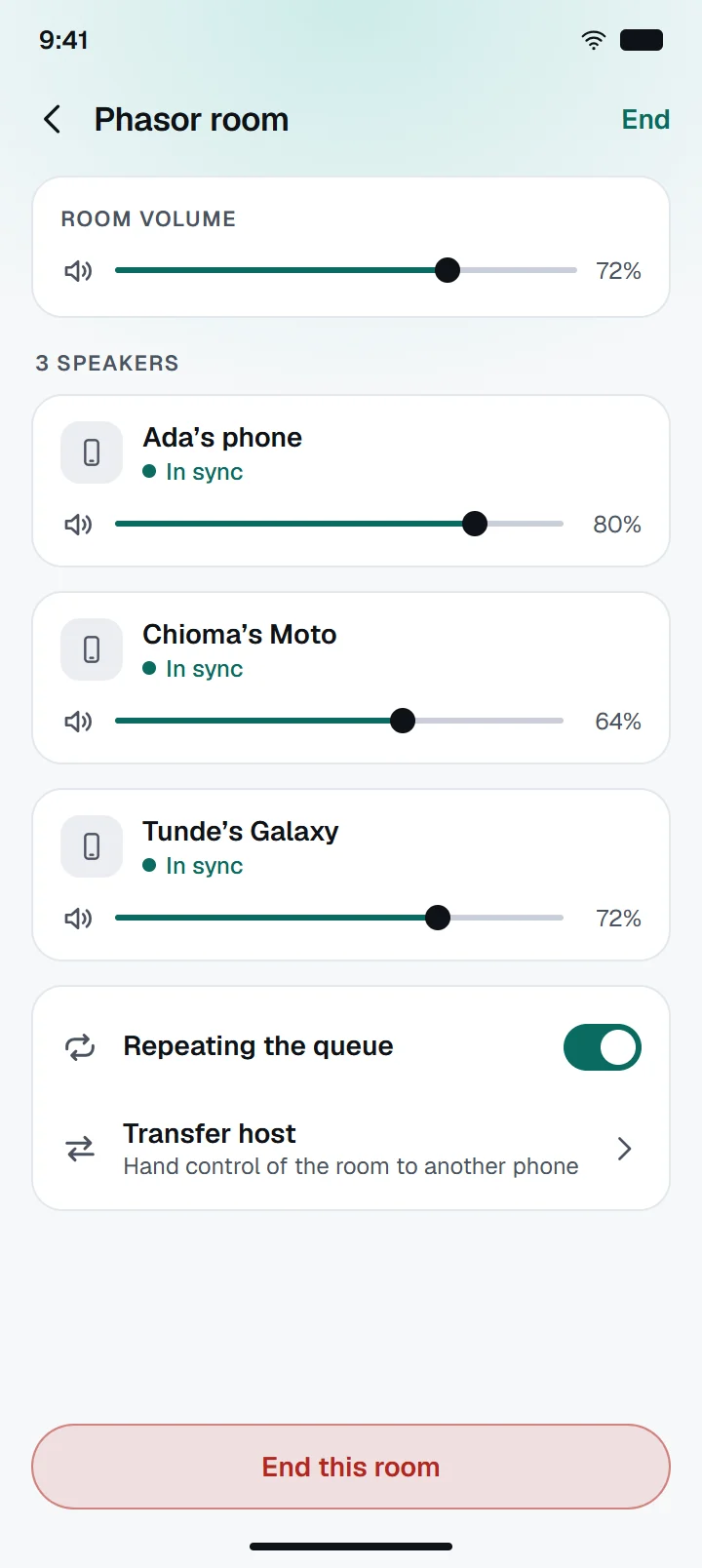
- Set the room’s volume or each phone’s own
- Tap Talk and everyone hears you, with the music quieter underneath
- If you allow it, the music carries on with the app closed
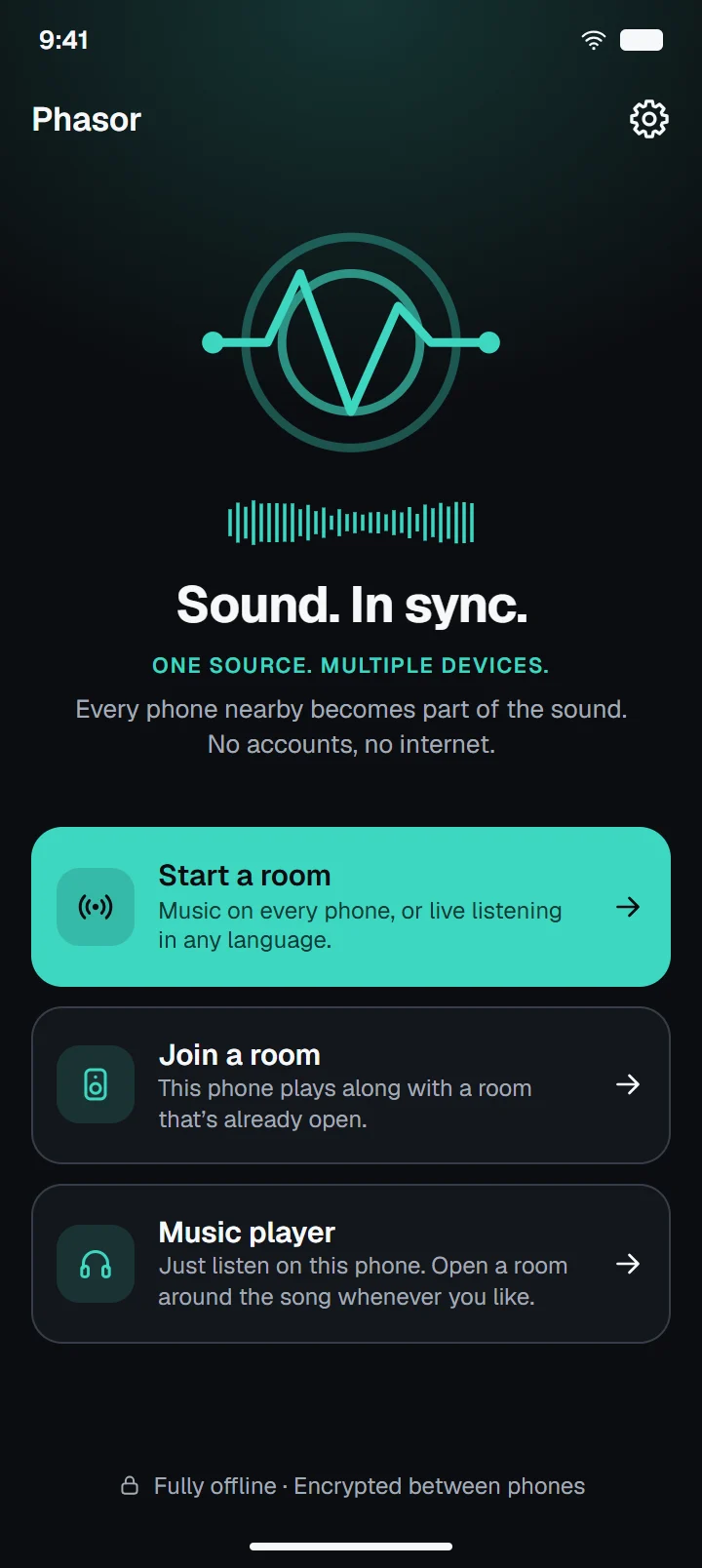
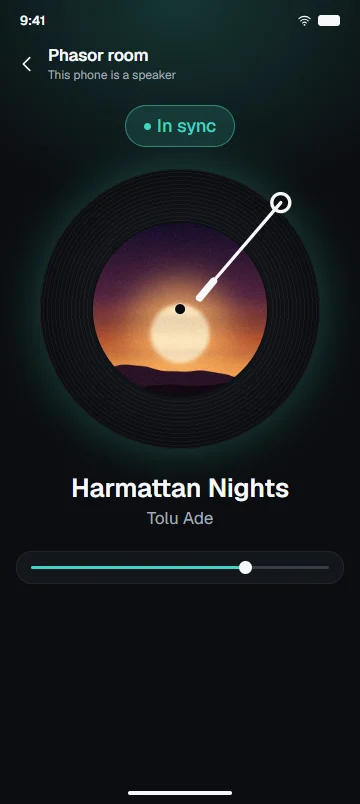
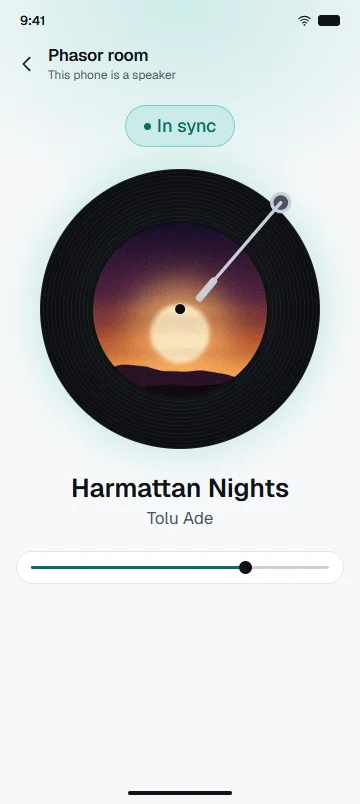
Phones in these pictures are illustrations drawn from Phasor’s own design, with example songs. Screens in the gallery below are captures.
How It Works
Get started in just a few steps.
Nobody signs up, and nobody hunts through settings.
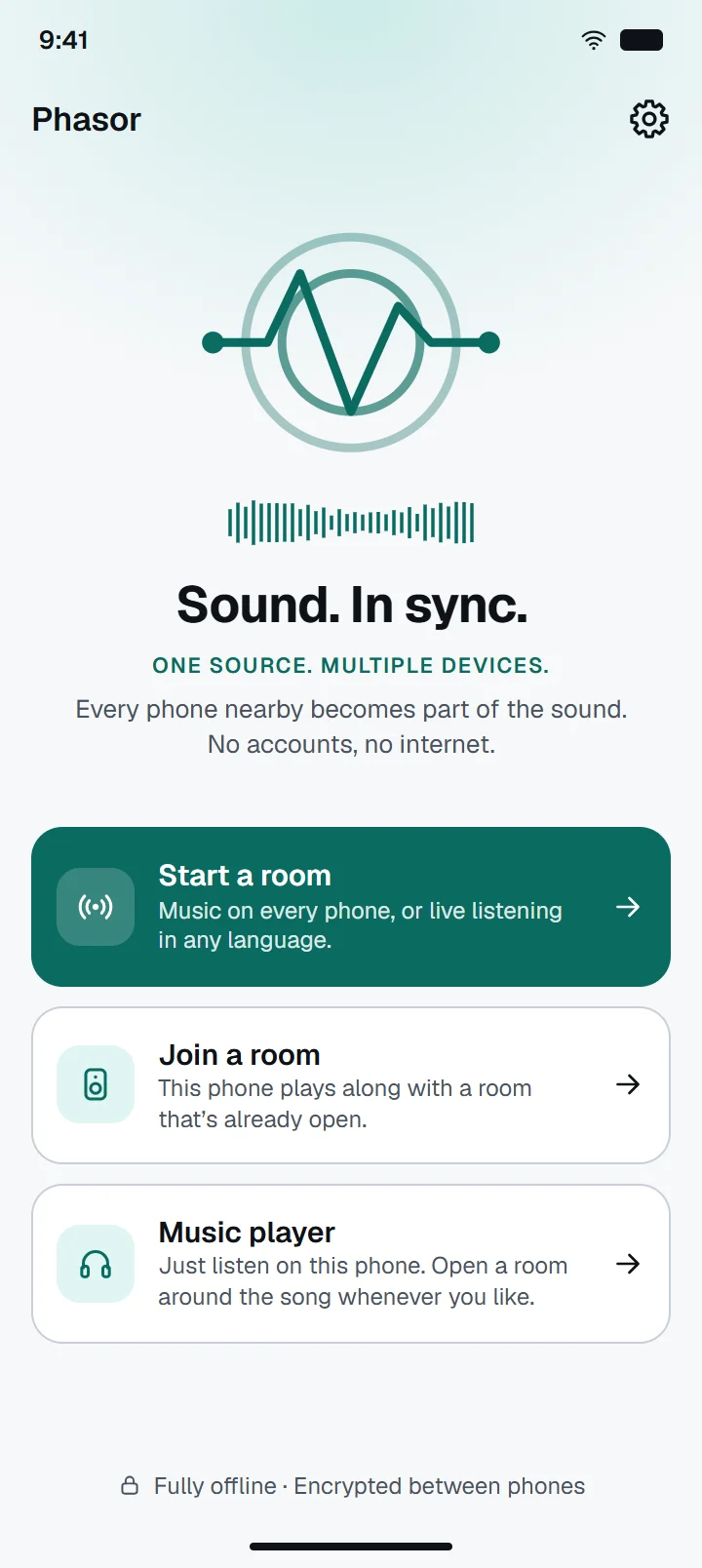
Create a Room
Open Phasor and tap Start a room.
Connect Nearby Devices
The others scan the code on your screen.
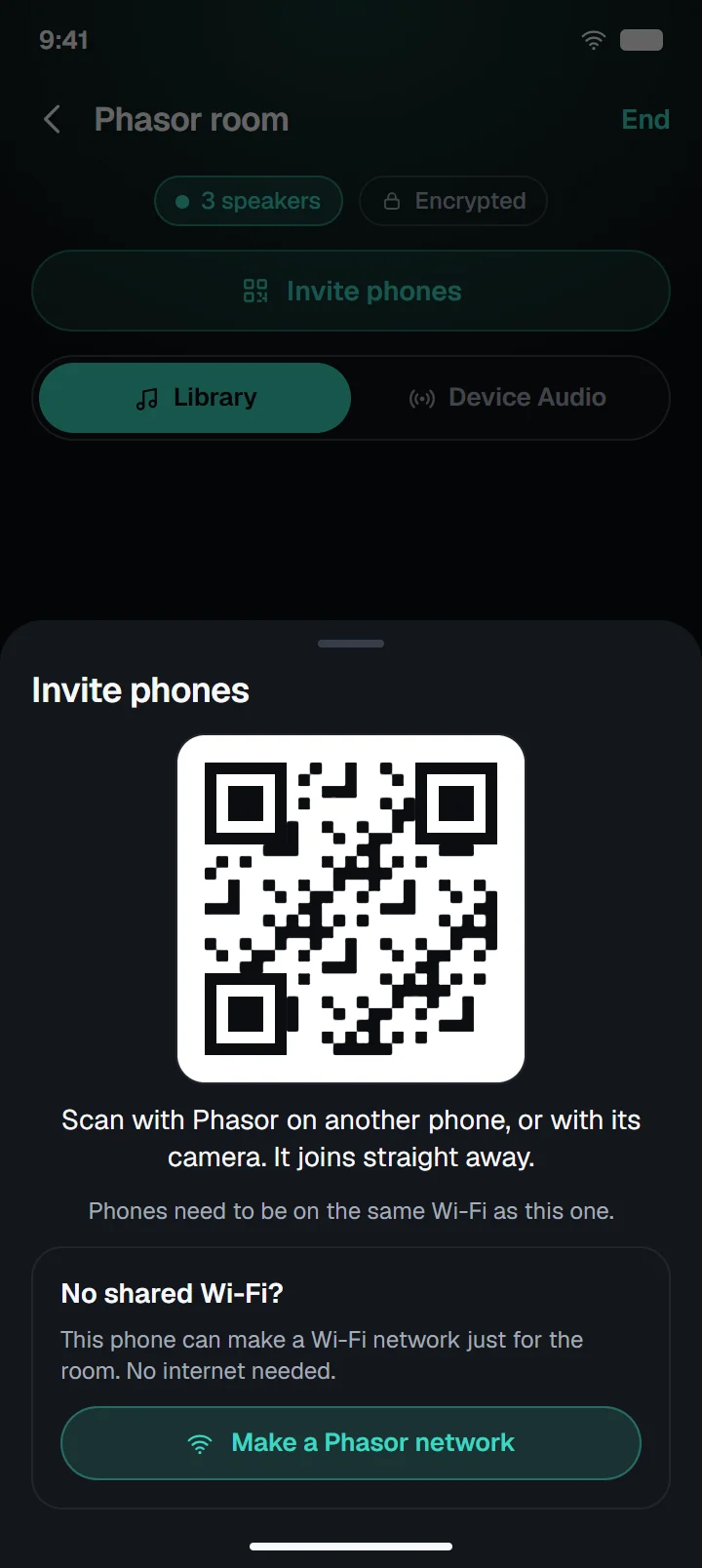
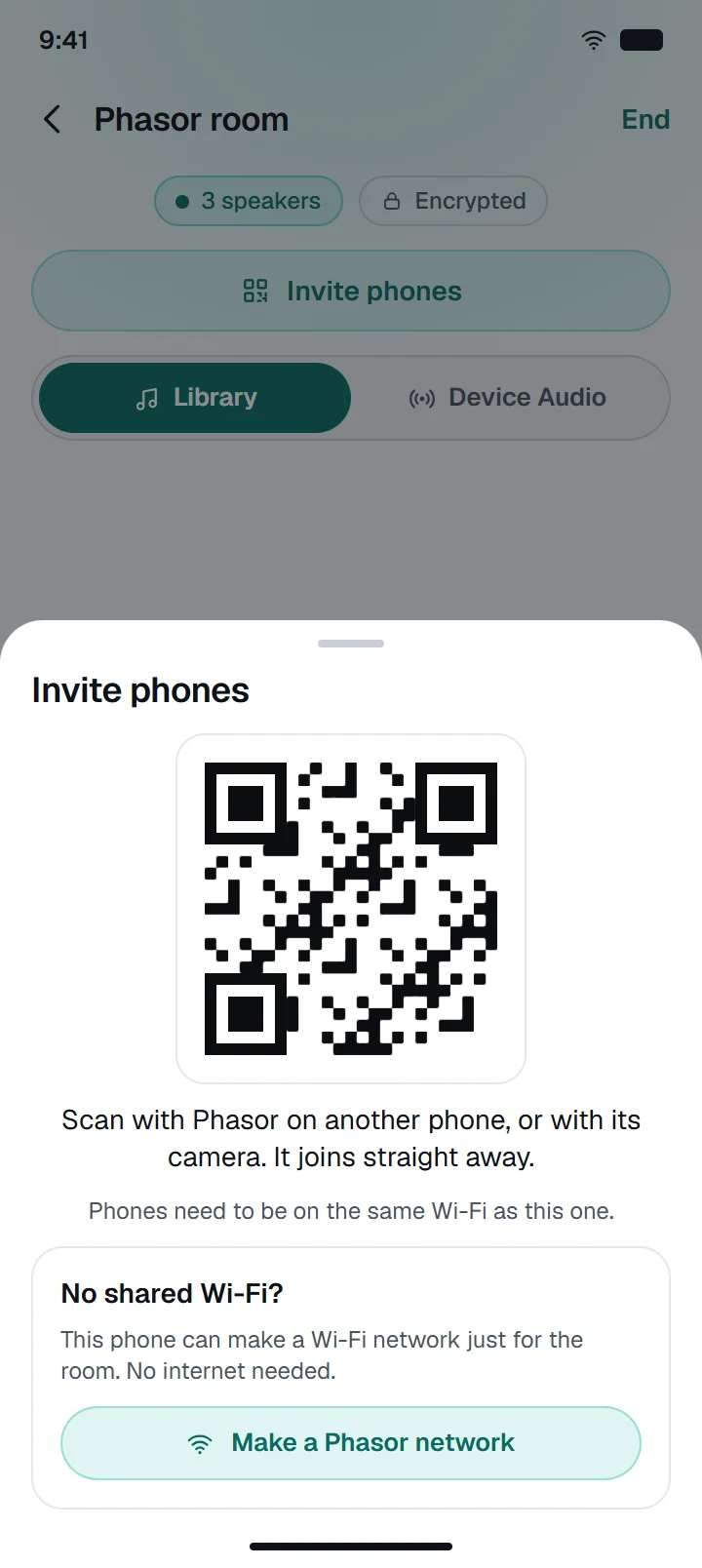
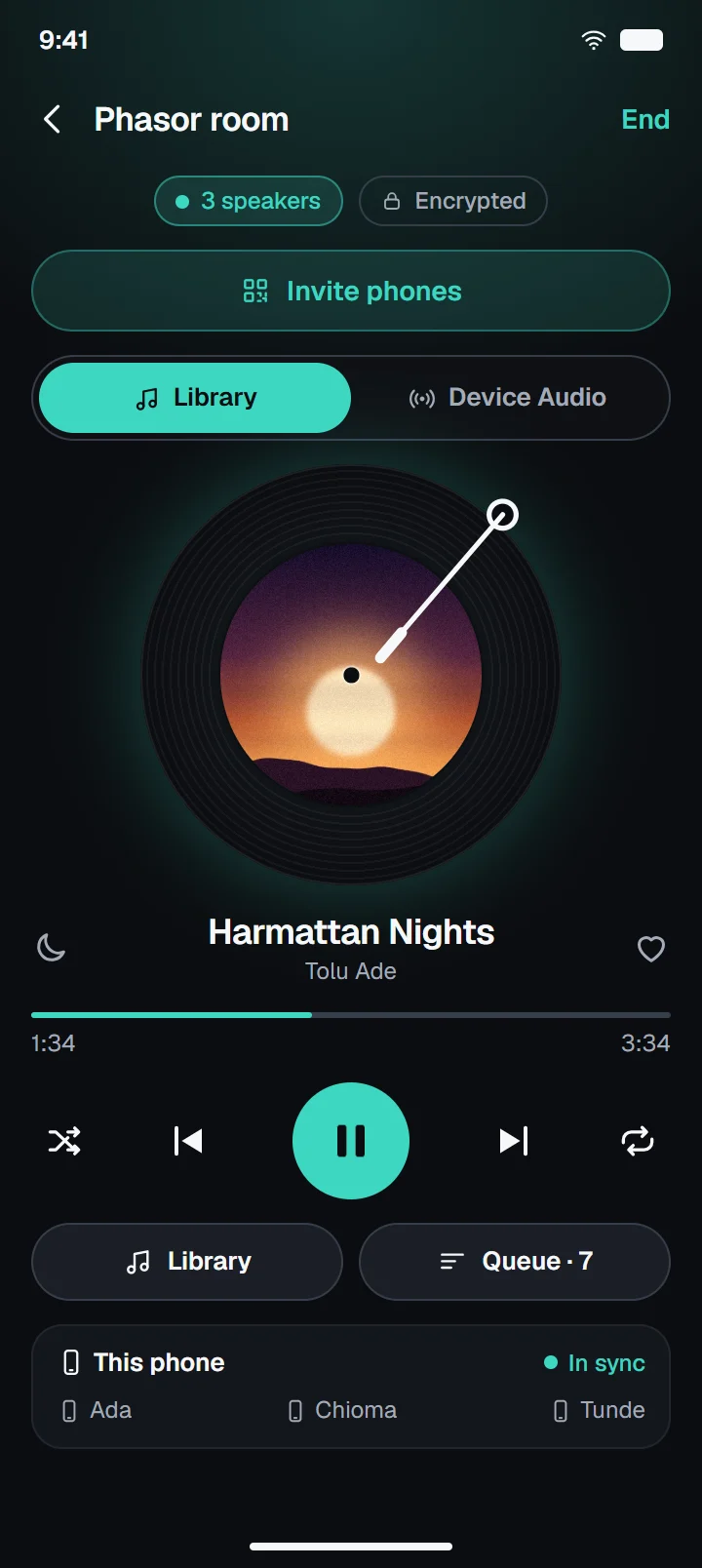
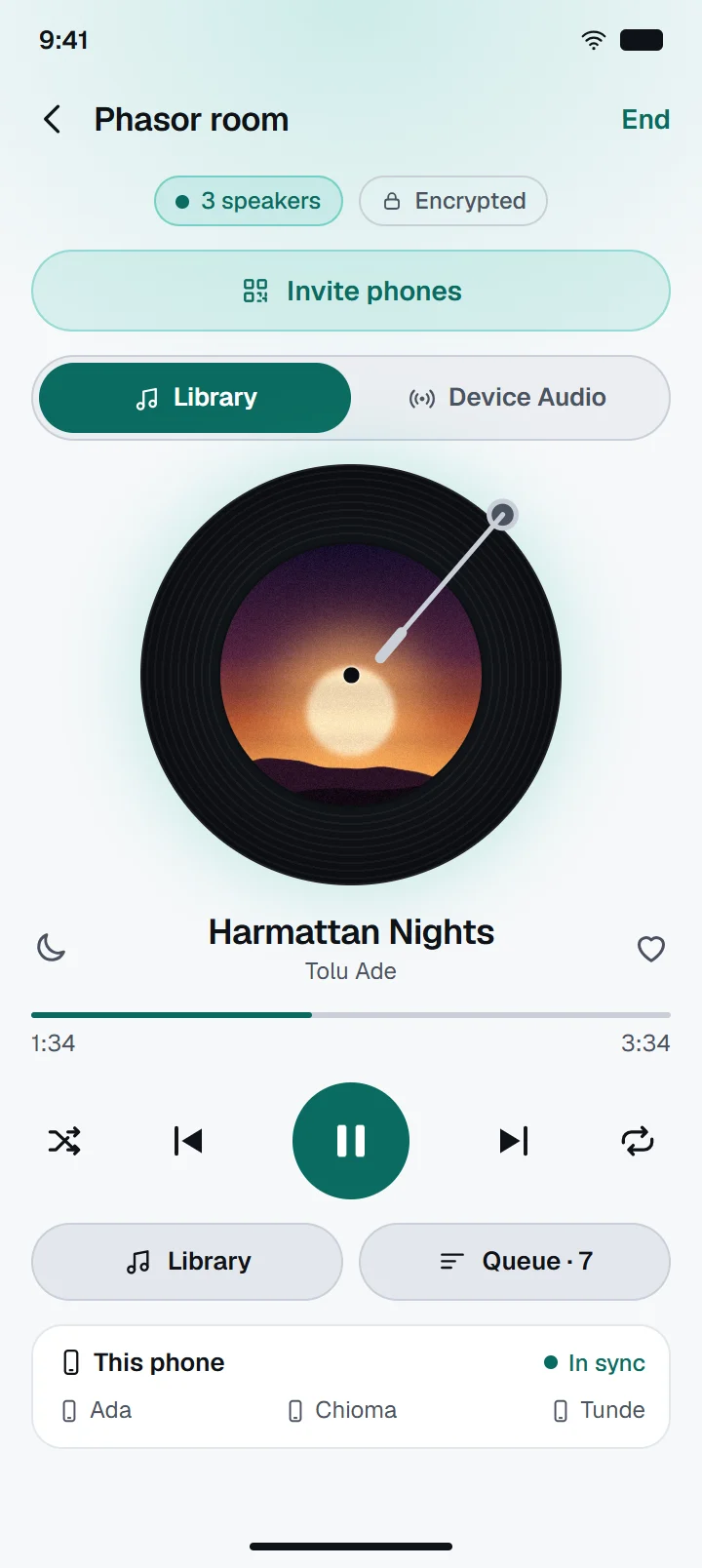
Play Together
Every phone plays the same moment.
One listening experience. Multiple devices.
Press play in a room without Phasor and every phone starts a little apart. With Phasor, they play as one. Here is the same beat on four phones, both ways.
A demonstration made in your browser. The gaps are chosen so you can hear them.
Four copies of one beat, slightly apart. The room hears a blur.
More than your music library.
Device Audio shares what another app on your phone is playing with everyone in the room. You keep using that app as usual.
Some apps do not allow their sound to be shared, and the room stays quiet for them. Android also stops sharing when the screen locks.
Live Listening
A service in every language.
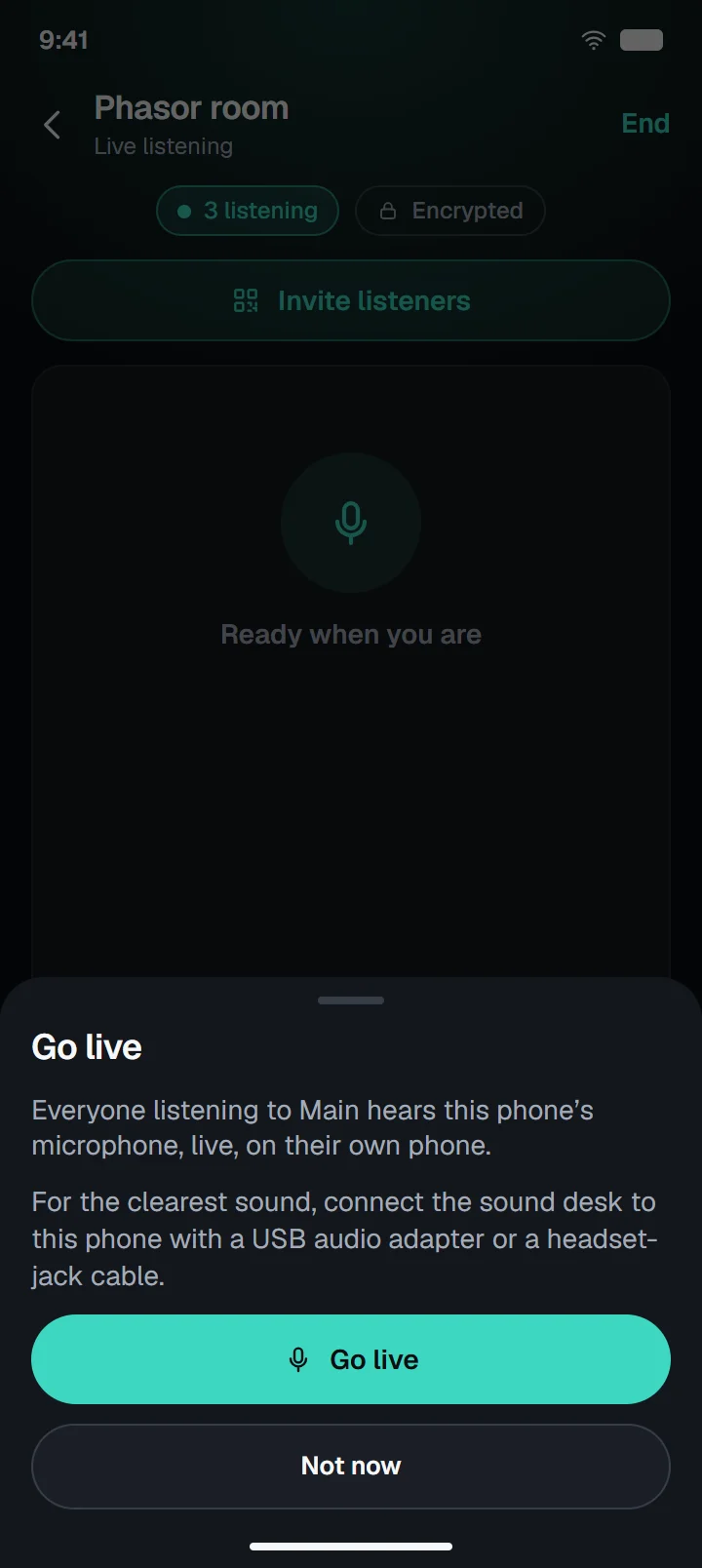
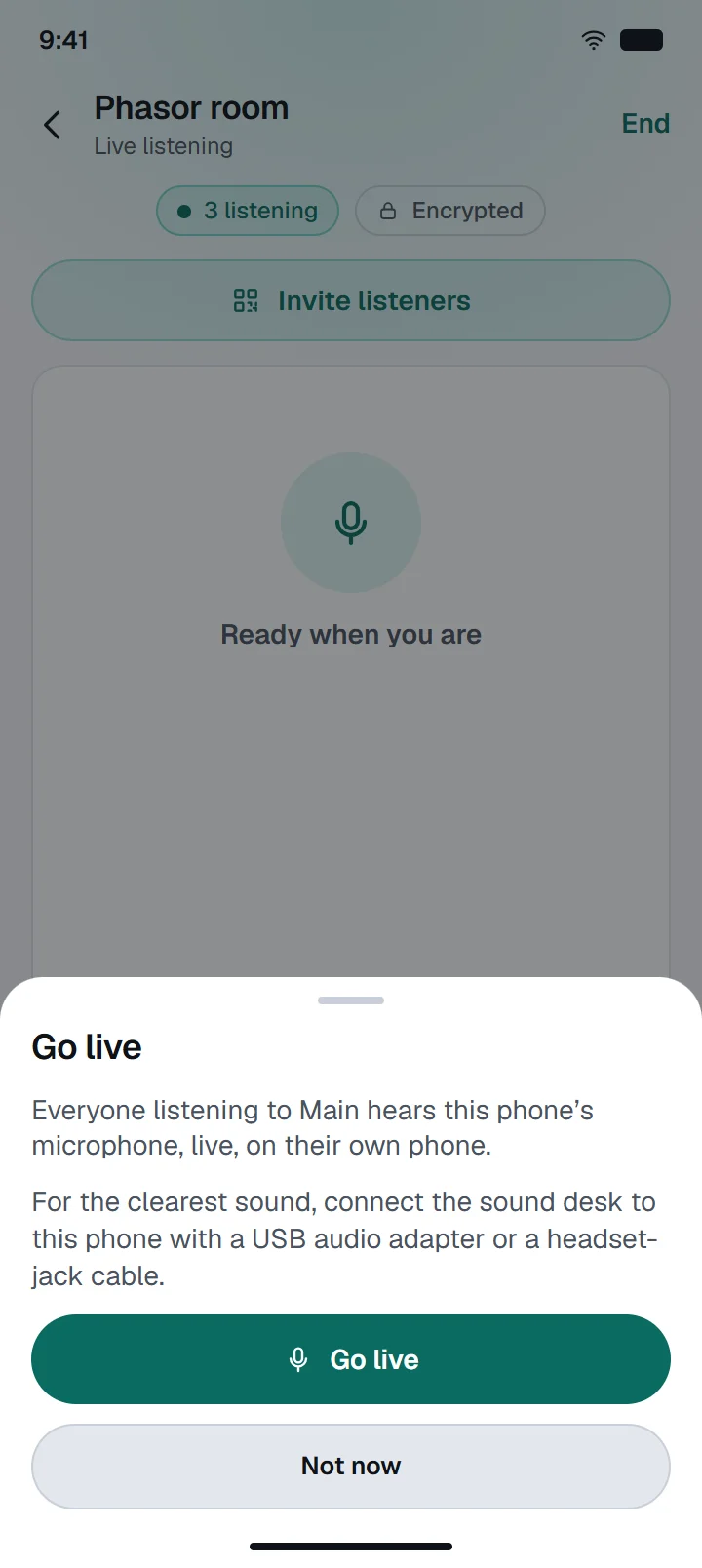
One phone speaks to everyone’s phones and earbuds, for services, talks, classes and events. People hear it clearly wherever they sit.
- Main
- Yoruba
- Igbo
- Hausa
- Pidgin
- or any name you type
- Real interpreters, on their own phonesAn interpreter puts in earbuds, hears Main and taps Start interpreting. Only people who chose that language hear them.
- Up to 250 phones, no equipment to hireBig rooms run on the venue’s Wi-Fi. Connect the sound desk with a USB audio adapter or a headset cable.
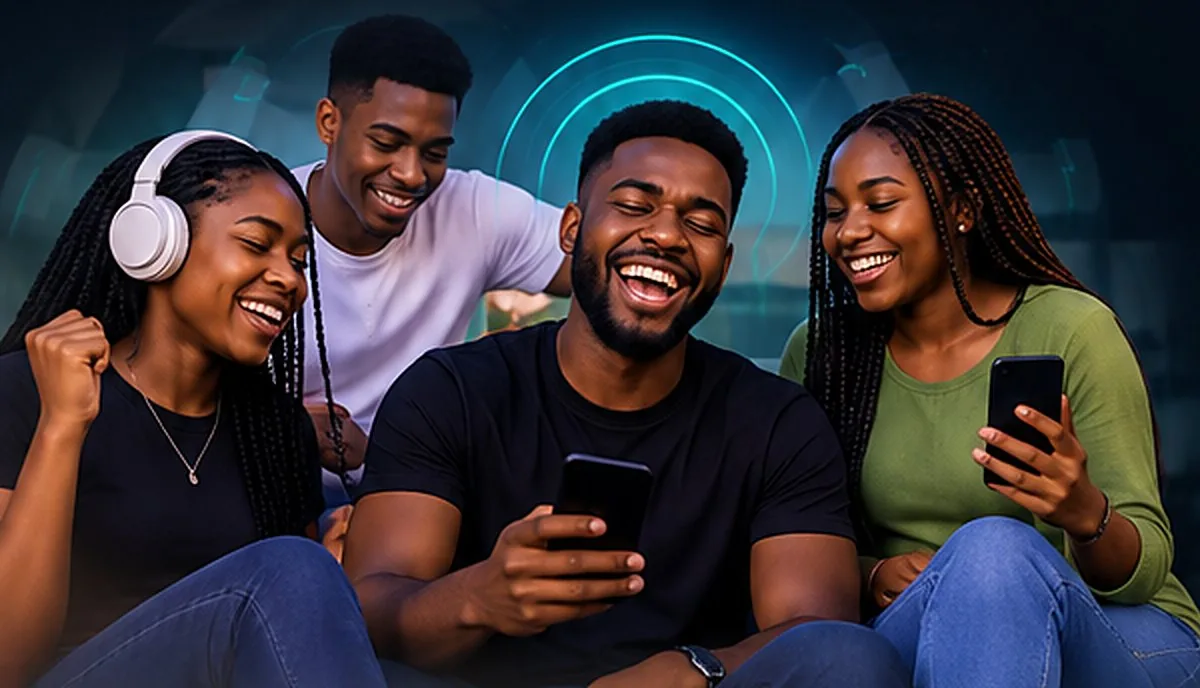
Good music is even better together.
Road trips, kitchens, rooftops and quiet evenings. If the people around you have phones, you already have the speakers.
- Works offline
- No accounts
- Encrypted
- Free, with no ads
See Phasor in Action
Every screen here is a capture from Phasor. Tap one to enlarge it.
Questions
Something not working?Do I need the internet?
No. The phones only need to be on the same Wi-Fi or one phone’s hotspot. With no Wi-Fi at all, the host’s phone can make a network just for the room.
How many phones can join?
A music room takes up to 32 phones and a live listening room up to 250. Rooms that size need a real Wi-Fi router: a network a phone makes itself takes only a few phones.
Is Phasor on iPhone?
Not yet. Phasor is on Android first, and an iPhone version is planned.
Can it play what is in my streaming app?
On Android, Device Audio shares what another app is playing. Some apps do not allow their sound to be shared, and the room stays quiet for them. Android also stops sharing when the screen locks.
Will Bluetooth speakers stay in sync?
Phone speakers and wired headphones stay in sync best. Bluetooth adds its own delay, so a phone playing through a Bluetooth speaker can sound a little behind the others.
Who does the translating in live listening?
People do. Each language is a real interpreter on their own phone, so it works offline and in any language you can find an interpreter for.
Does anything leave my phone?
Only to the other phones in your room, encrypted. Nothing about you reaches us, because there is no account or server for it to reach.
What does it cost?
Phasor is free, with no ads and nothing locked away. You can leave a tip from Settings if you want to. It unlocks nothing.
Ready to listen together?
Bring your devices together. Create your room. Enjoy music together with Phasor.
Coming soon to theApp Store